Adoption is already high. Training's 2025 survey found 89% of surveyed US organizations with 100+ employees use an LMS. But adoption says nothing about whether the rollout worked. A wrong choice means more admin work, reporting gaps, low learner uptake, painful audits, and expensive workarounds or replacement.
This guide walks through the process: define your use case, set must-have capabilities, vet security and integrations, compare total cost, test shortlisted platforms, and assess implementation support.
Key Takeaways
- The best LMS fits your audiences and outcomes, not the longest feature list.
- Document must-haves before talking to vendors.
- Compare three-year total cost, including renewals.
- Test real admin and learner tasks with your own content.
What Is an LMS?
A learning management system (LMS) is software for creating, organizing, delivering, administering, assessing, certifying, and reporting on learning. Audiences include employees, members, customers, partners, and contractors.
Buyers often confuse an LMS with two related systems. A learning experience platform (LXP) centers on learner-led discovery. A training management system (TMS) handles logistics such as scheduling, instructors, and registration.
Common LMS types
- Cloud/SaaS: the vendor hosts and maintains it. Fastest to launch, least IT burden.
- Self-hosted: you run it on your own infrastructure. More control, more technical responsibility.
- Open-source: code is modifiable, but you need people to maintain it. Open-source does not automatically mean self-hosted.
- Proprietary/commercial: a licensing arrangement, usually subscription.
- White-label: your branding replaces the vendor's, so learners see your identity.
Control, speed, branding, and cost all shift depending on which you pick.
Core Components of an LMS
These components decide how well the platform supports the full learning lifecycle, from delivery through administration to measuring outcomes.
Content and course delivery
Key delivery capabilities to evaluate:
- Authoring or import tools
- Learning paths
- Multimedia support
- Live and blended learning
- Standards support
The standards do different jobs:
- SCORM packages content and handles runtime communication. ADL notes it remains widely used.
- xAPI sends activity records to a learning record store.
- cmi5 adds course-launch and structure conventions on top of xAPI.
Portability matters if you already own courses or may switch vendors. SCORM packages move between systems, but learner histories, custom workflows, and integrations often don't. Ask how version control works and what a full export includes.
User management and administration
Evaluate these administration features:
- Enrollment rules and group management
- Role-based permissions
- Self-registration and automated reminders
- Branded portals
- Separate experiences for employees, members, customers, or partners
Done well, these cut manual work and keep delivery consistent across groups.
Assessment, certification, and reporting
Core assessment and reporting features include:
- Quizzes, exams, and completion tracking
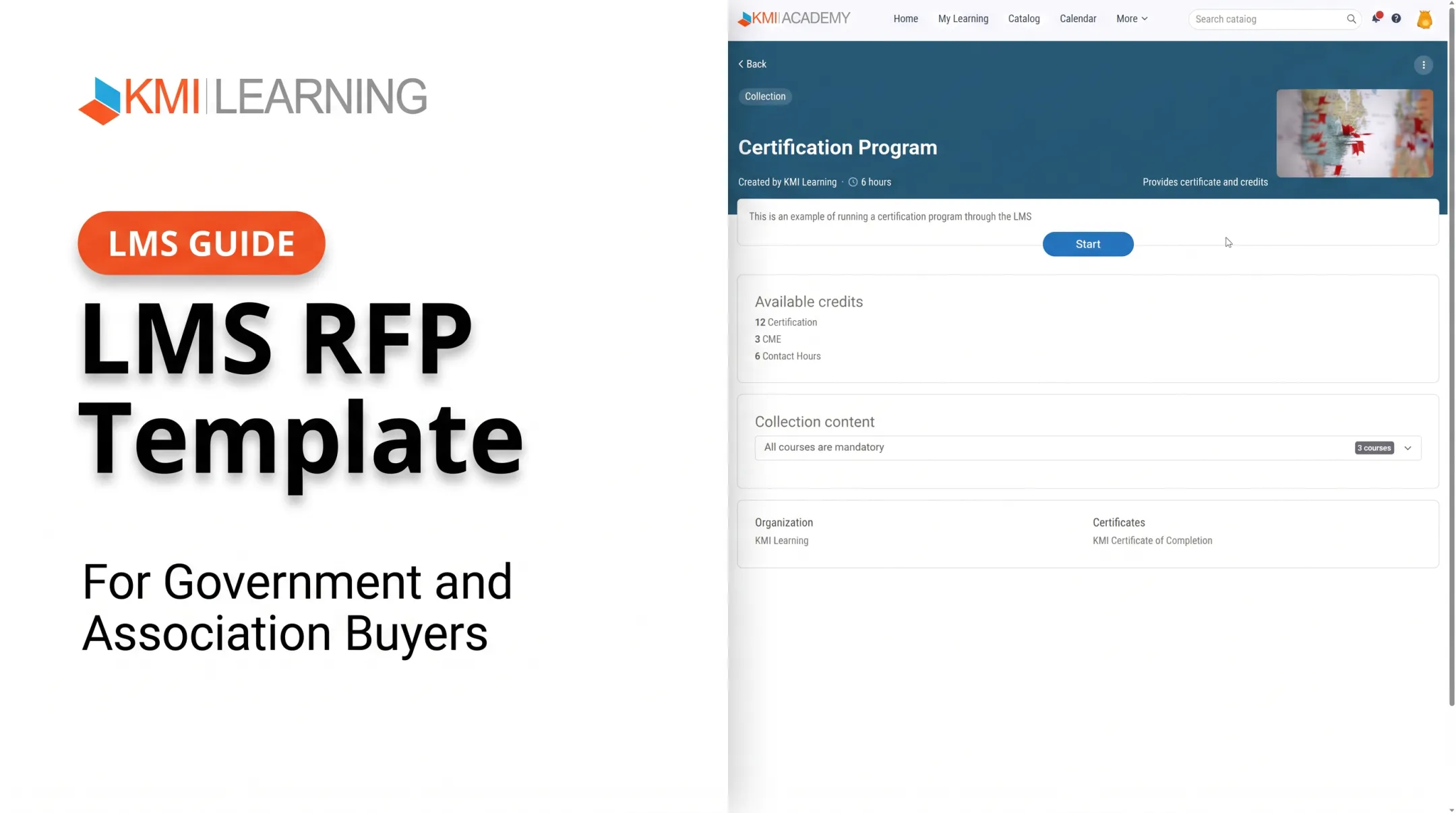
- Certificates and continuing education credits
- Expiration and recertification workflows
- Dashboards, custom reports, and audit trails
Reporting is where compliance visibility, manager oversight, and proof of program effectiveness come from.
One caution on credits: an LMS certificate doesn't by itself make a provider accredited. IACET CEUs (1 CEU = 10 contact hours) can only be offered by IACET-accredited providers.
Benefits of an LMS
Trade-press sources like TechTarget list common LMS benefits. They are not controlled impact studies, so measure your own results.
- Consistent onboarding through centralized materials
- Automated tracking of completions and overdue training
- Easier certificate management
- Reduced manual administration
- Broader learner access, including on mobile
- Stronger completion and compliance reporting
- Support for external or revenue-generating education
What to Consider When Choosing the Best LMS
Requirements vary by audience, purpose, user volume, content format, technical environment, regulation, and admin capacity. Tie each factor to a measurable outcome instead of ticking feature boxes.
Audience, use cases, and learning goals
Decide whether you're supporting onboarding, mandatory compliance, continuing education, member training, customer education, partner enablement, or several at once. Then name the KPIs: completion, time to certification, adoption, time to proficiency, or support volume.
APQC's research separates completion and satisfaction from application and performance. Track both.
LMS type, deployment, and scalability
Cloud options launch fastest and need little IT. Self-hosted and open-source give customization at the cost of ownership. Multi-portal and white-label setups suit organizations with distinct audiences.
Evaluate scalability beyond user counts. Ask what happens as content libraries, reports, integrations, and administrative complexity grow.
Essential features and user experience
Prioritize ease of use for administrators and learners alike, then learning paths, automation, assessments, mobile access, search, accessibility, and content management. Connect each to adoption, completion, admin hours, and support tickets.
On mobile, keep perspective: Training's survey puts mobile at 6% of training hours, up from 3%. That's overall delivery, not LMS-specific.
For AI features, require vendors to state:
- What works today versus what's roadmap
- Whether it's included in your quoted plan
- What data-use controls govern your content
NIST's AI Risk Management Framework (Govern, Map, Measure, Manage) is a useful governance reference.
Content standards, integrations, and data portability
Verify SCORM versions, xAPI support, video and document handling, APIs, webhooks, SSO, and HRIS, CRM, payment, webinar, and collaboration integrations. Then test:
- A representative course package
- A user-provisioning workflow
- A report export
- A complete data export

Security, privacy, accessibility, and compliance
Review authentication, encryption, access controls, audit logs, retention and deletion, data residency, and incident response. Ask for current security documentation, such as a SOC 2 report, and accessibility evidence such as a VPAT/Accessibility Conformance Report.
Then check which rules actually apply to you:
- FedRAMP: confirm the specific offering's status in the Marketplace. "In process" is not authorized.
- TX-RAMP: applies to Texas state agencies; SaaS doesn't inherit certification from its infrastructure.
- HIPAA: applies when ePHI is involved, and requires a business associate agreement.
- FERPA: covers education records at covered institutions, not every training record.
- Section 508 and ADA Title II: Section 508 references WCAG 2.0 A/AA, while DOJ's Title II rule specifies WCAG 2.1 AA. DOJ's rule sets compliance dates of 2027 and 2028.

Pricing, implementation, support, and vendor evaluation
Common models are registered-user, active-user, tiered, and quote-based. Billing units differ, so prices aren't directly comparable. Build a full cost picture that includes:
- Implementation, migration, and integrations
- Content tools, premium modules, and extra portals
- Training, support, internal admin time, and renewal increases
Then run a structured evaluation:
- Build a weighted requirements scorecard.
- Run identical scripted demos.
- Test admin and learner tasks with real content.
- Check references from comparable organizations.
- Request a dated implementation plan.
- Review the roadmap and post-launch support model.
How KMI Learning Can Help
KMI Learning, based in Columbus, Ohio, is a configurable LMS partner for organizations whose needs go beyond basic course hosting. Clients include associations, government agencies, nonprofits, continuing education providers, and corporate teams.
The team helps configure, integrate, launch, and support platforms around branding, workflows, audiences, reporting, and security requirements.
Relevant capabilities
- Experience: 25+ years of custom LMS development, dedicated Implementation Managers, flexible integrations (REST API, Zapier, SAML 2.0, OAuth 2.0), custom reporting, and long-term support—use these as checks if you want an ongoing partner rather than a self-service tool.
- White-label and configurable: branded portals with your logo, colors, and domain; conference and training delivery; CE credits and certificates; separate workflows per audience.
- AI Course Builder: converts documents into SCORM-compliant courses. With any vendor, confirm review, editing, governance, and content-quality processes before relying on AI-generated material.
- Government needs: FedRAMP and TX-RAMP LMS variants available, with optional US-only hosting. Public-sector buyers should verify current authorization scope and procurement fit.
Conclusion
Choosing an LMS is a business decision involving learners, administrators, IT, security, finance, compliance, and executives. The right platform matches your audiences, objectives, integrations, security needs, budget, and internal capacity, not popularity or feature count alone.
After launch, review adoption, completion, certification, administration time, reporting, support, and cost. Selection is the start of continuous optimization, not a one-time purchase.
Frequently Asked Questions
What are the core features of an LMS?
Core features typically include course and content management, enrollment, learning paths, assessments, certificates, reporting, integrations, security, mobile access, and administration. Priorities depend on your use case.
What types of LMS are there?
Common types include cloud/SaaS, open-source or self-hosted, proprietary/commercial, and white-label. They differ in control, technical responsibility, branding, implementation speed, and cost.
What is the average cost of an LMS?
No reliable universal average exists. Price varies with users, audiences, features, deployment, and support. Compare total cost of ownership, including implementation, migration, integrations, add-ons, and renewals.
What are the most popular LMS platforms?
Popularity varies by segment. Independent lists, such as Talented Learning's awards, are not market-share rankings. Score a current shortlist against one consistent scorecard.
What is the easiest LMS to use?
Ease of use must be judged for both learners and administrators. Test real tasks: finding a course, completing an assessment, creating an enrollment rule, generating a report, and managing a certificate.