This guide is for organizations issuing course-completion, continuing education, compliance, onboarding or program certificates through an LMS. It is not about earning a platform-administrator qualification.
We'll cover defining what a certificate proves, building a template, setting eligibility rules, automating delivery and managing credentials after issuance.
Key Takeaways
- A certificate is evidence of a defined achievement, not a decorative PDF.
- Set completion, assessment, credit, expiry and renewal rules before designing.
- Test automation and monitor failures to prevent wrong or duplicate credentials.
- Keep records ready for renewals, corrections, revocations and audits.
What an LMS Certificate Is and How to Plan the Program
Know what the certificate proves
Not every credential means the same thing:
- Completion certificate: the learner attended or finished the coursework.
- Assessment-based certificate: the learner also passed an assessment tied to the learning objectives.
- Professional certification: a third party assesses competence, per ANAB's distinction between certificates and certification.
- Digital credential: a verifiable, issuer-signed record, such as an Open Badge.
Don't call a basic completion record a "certification." The wording must match the evidence.
Define purpose, audience and evidence
Start with who the certificate serves:
- Employees in compliance training
- Association members earning CE
- Conference attendees
- External customers or volunteers
Then decide what qualifies someone: course completion, attendance, a passing score, required modules, a learning path, CE credits, or administrator approval.
One CEU equals 10 contact hours under the IACET standard, so set credit values deliberately.
Specify the data fields
Settle these before building the template:
- Learner name and course or program title
- Issuing organization
- Completion and issue dates
- Expiry date, if applicable
- Credit type and amount
- Unique certificate ID
- Verification URL or QR code
- Any required disclaimer
Map the lifecycle
Chart every stage and name an owner for each:
- Eligibility and issuance
- Delivery and storage
- Renewal, correction, revocation, and replacement
- Reporting

Write down how exceptions get handled. A learner whose name was misspelled needs a defined path, not an email thread.
How to Create and Configure an LMS Certificate
Build a branded template
Use your logo, colors and fonts, but keep the hierarchy obvious: issuer, recipient, achievement, date, credential ID and verification information should be easy to find.
Dynamic fields pull in names, titles, dates, scores, credits and expiry dates. Test how they behave:
- Long names that wrap or shrink
- Apostrophes, hyphens and accented characters (use Unicode throughout, as W3C guidance recommends)
- Missing data that leaves a blank line
- Learners who prefer a different name than their record shows
Design for screen and print. Use sufficient contrast (WCAG 2.2 sets 4.5:1 for ordinary text), legible type and a tagged PDF with logical reading order. Avoid language that implies a qualification the learner didn't earn.
KMI Learning's LMS includes an on-site certificate design tool for borders, fonts, backgrounds and layouts, with dynamic fields for name, title, credits, completion date, accreditation details and custom text.
Set eligibility and course-association rules
Administrators typically create a certificate record, attach it to a course, learning path, event or assessment, and choose the conditions that release it. Menu names vary by LMS.
Decide these up front:
- Passing thresholds and required prerequisites
- Whether manual approval is needed
- Time zones and date behavior, since a stored instant can display as different calendar dates
- Fixed expiry (a set calendar date) versus rolling expiry (a period from issue)
- Whether a renewal replaces the earlier certificate or sits alongside it
How to Automate Certificate Issuance and Delivery
Choose the right trigger
Match the trigger to your eligibility rule. Common options include:
- Course completion
- Passing an assessment
- Event attendance
- Learning-path completion
- A CE credit total
- Administrator approval
In SCORM, completion and success are separate statuses, and a score alone implies neither. xAPI draws the same line between result.completion and result.success.
Pick an integration method
- Native LMS functionality, for most standard workflows
- A credentialing integration, for digital badges and wallets
- Webhooks or direct API, for real-time, complex logic
- An automation connector, such as Zapier, for no-code setups
- CSV batch import, for low volume or offline events
Choose by workflow complexity, volume, technical resources and how fast issuance must be. KMI Learning offers secure RESTful web services and Zapier integration, and its CE workflow runs from setup to certificate without third-party systems.
Map fields and validate data
Map learner identity, email, course name, completion date, credits, certificate ID, expiry and custom fields between systems. Use one consistent identifier per learner, such as an employee or member ID, rather than matching on name. Validate data before issuance.
Webhook-based flows also need duplicate protection. Stripe's documentation, for example, notes that webhook events can arrive more than once and out of order. Idempotency keys are the usual remedy.
Test before launch
Run these scenarios with test users:
- A qualified learner and an unqualified one
- An incomplete course and a failed assessment
- A repeat completion
- A missing email address
- An expired credential
- A corrected learner name
- A duplicate event and an interrupted integration

Deliver and monitor
Delivery channels include:
- Automatic email
- LMS download
- Learner transcript
- Secure verification page
- Digital wallet
- Administrator dashboard
Moodle Workplace, for one, documents issuing and notifying as separate actions, so confirm yours does both.
Build a resend function that reuses the original record instead of creating a new one. Monitor bounces and failed sends. Email authentication matters too: Gmail requires SPF or DKIM from all senders, and senders of 5,000+ messages a day need DMARC as well.
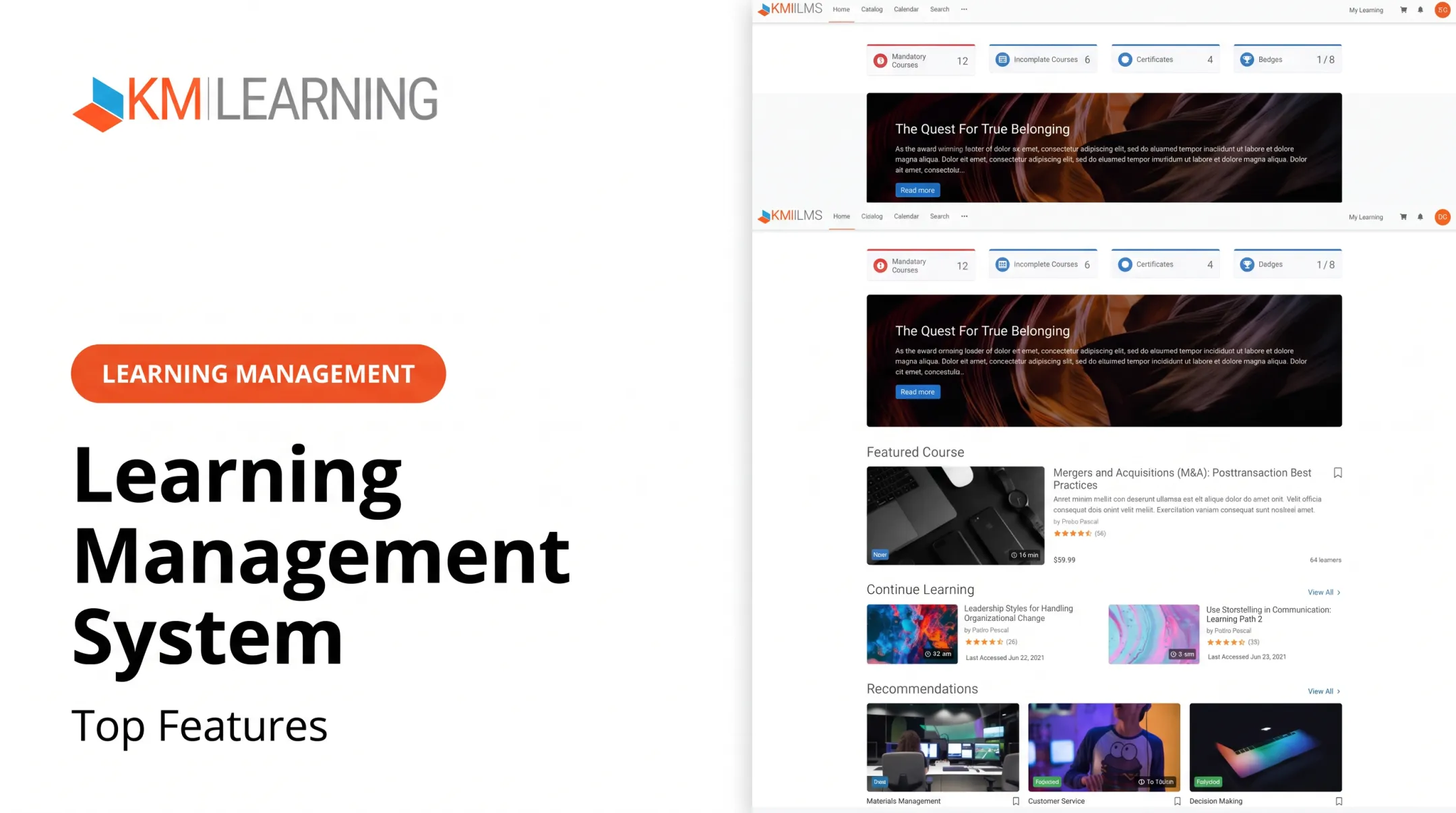
KMI Learning delivers certificates instantly online or by download, and stores them in each learner's profile.
How to Manage the Certificate Lifecycle
Track records, renewals and reporting
Keep one central record of issued, pending, expired, renewed, revoked, corrected and externally earned credentials. Where supported, filter by learner, course, issue date, expiry date, credit type and status.
Renewal tools to configure:
- Expiry notifications ahead of the due date
- Re-enrollment rules and recurring assignments
- CE credit accumulation
- Grace periods
- Updated certificates after renewal
KMI Learning's reminders can fire 30 days before a due date, for example on a lift truck certification that renews every three years.
Check the audience's own requirements. Retention clocks differ by owner:
| Program | Record owner | Retention |
|---|---|---|
| IACET | Accredited provider | At least 7 years |
| PMI | Credential holder | At least 18 months after cycle end |
| SHRM | Credential holder | 6 months after cycle end (recommended) |

OSHA's bloodborne pathogens standard requires training records for 3 years, but that rule doesn't cover all training. Confirm what your accreditor or regulator expects.
Report with care
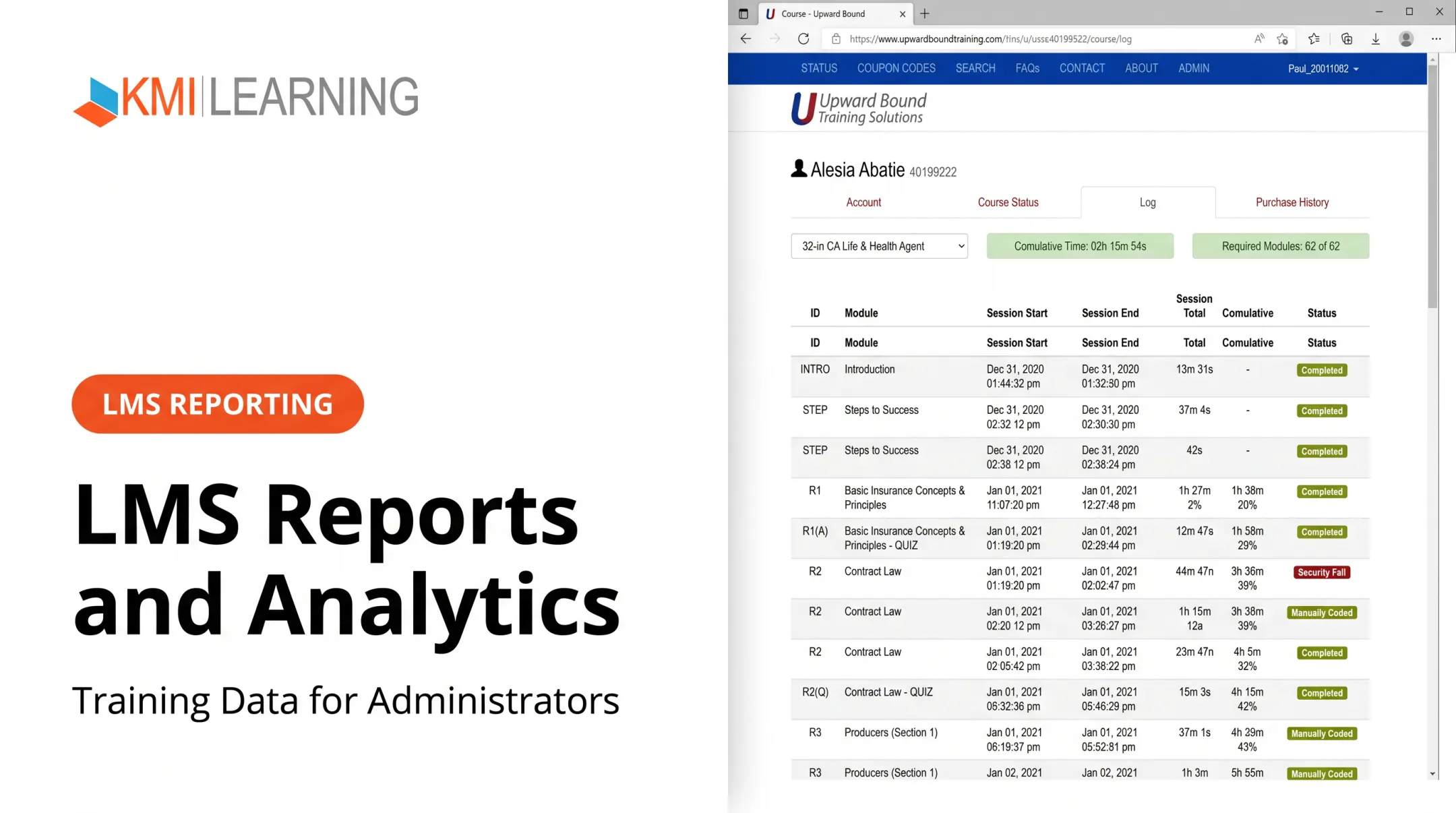
Reports serve compliance reviews, CE administration, program oversight and learner support. KMI Learning supports exportable reports, scheduled custom reports and audit trails.
An LMS report doesn't by itself prove compliance with a given regulator's rules. Confirm the required format and content with the regulator.
How to Improve Certificate Operations and Choose the Right LMS
Run a quality checklist
Review these on a schedule, and again after any LMS or integration update:
- Template accuracy and field mapping
- Accessibility, plus mobile and print rendering
- Email delivery and verification links
- Duplicate prevention
- Expiry calculations
- Record retention
Evaluate LMS options
Look for:
- Native certificate design and automated issuance
- Expiry and renewal workflows
- CE credit tracking
- Branded portals and external learner support
- AMS or CRM integrations, plus API and webhook access
- Reporting, audit history and administrator permissions
- Security controls (encryption, MFA, role-based access)
- Implementation support
Government buyers should also ask about FedRAMP or TX-RAMP status, and request a VPAT for accessibility.
Where KMI Learning fits
KMI Learning, based in Columbus, Ohio, suits U.S. associations, government agencies, nonprofits, CE providers and corporate teams that want a configurable, white-label LMS.
It offers CE and certificate workflows, CE credit types such as CME, CNE, CPE, CHES and RACE, custom reporting, flexible integrations and hands-on implementation.
FedRAMP- and TX-RAMP-compliant variants are available, though not every deployment carries those designations.
Compare your documented requirements with the platform's capabilities, then schedule a demo.
Frequently Asked Questions
How do I get an LMS certificate?
A learner receives one after meeting the course, assessment, attendance or program requirements set by the issuing organization. This differs from earning a professional certification to administer an LMS.
What is an LMS certificate?
It's a digital or printable record issued through a learning management system. It documents a specified completion, achievement, credit or training requirement.
What does LMS stand for?
LMS stands for learning management system. It's software used to deliver, administer, track and report on learning and training programs.