E-learning for employees is workplace training delivered digitally: self-paced modules, virtual live sessions, simulations, videos, and knowledge checks, usually administered through a learning management system (LMS). In the 2026 Training Industry Report, online and computer-based delivery accounted for 37% of US training hours, ahead of classroom instructor-led training at 29%.
This guide covers the benefits, formats, design principles, limitations, LMS selection, implementation, and measurement.
Key Takeaways
- E-learning delivers flexible, consistent training at scale.
- Strong programs pair interactive practice with accessibility and manager follow-up.
- Hands-on skills and sensitive discussions often need instructor-led or blended delivery.
- A good LMS handles content, assessments, reporting, integrations, security, and documentation.
What Is E-Learning for Employees?
The Association for Talent Development defines e-learning as a structured course or learning experience delivered digitally. Employee e-learning goes further than a generic online course. It can include:
- Self-paced modules and virtual instructor-led sessions
- Microlearning, videos, and simulations
- Knowledge checks and assessments
- Searchable reference materials
Content vs. LMS
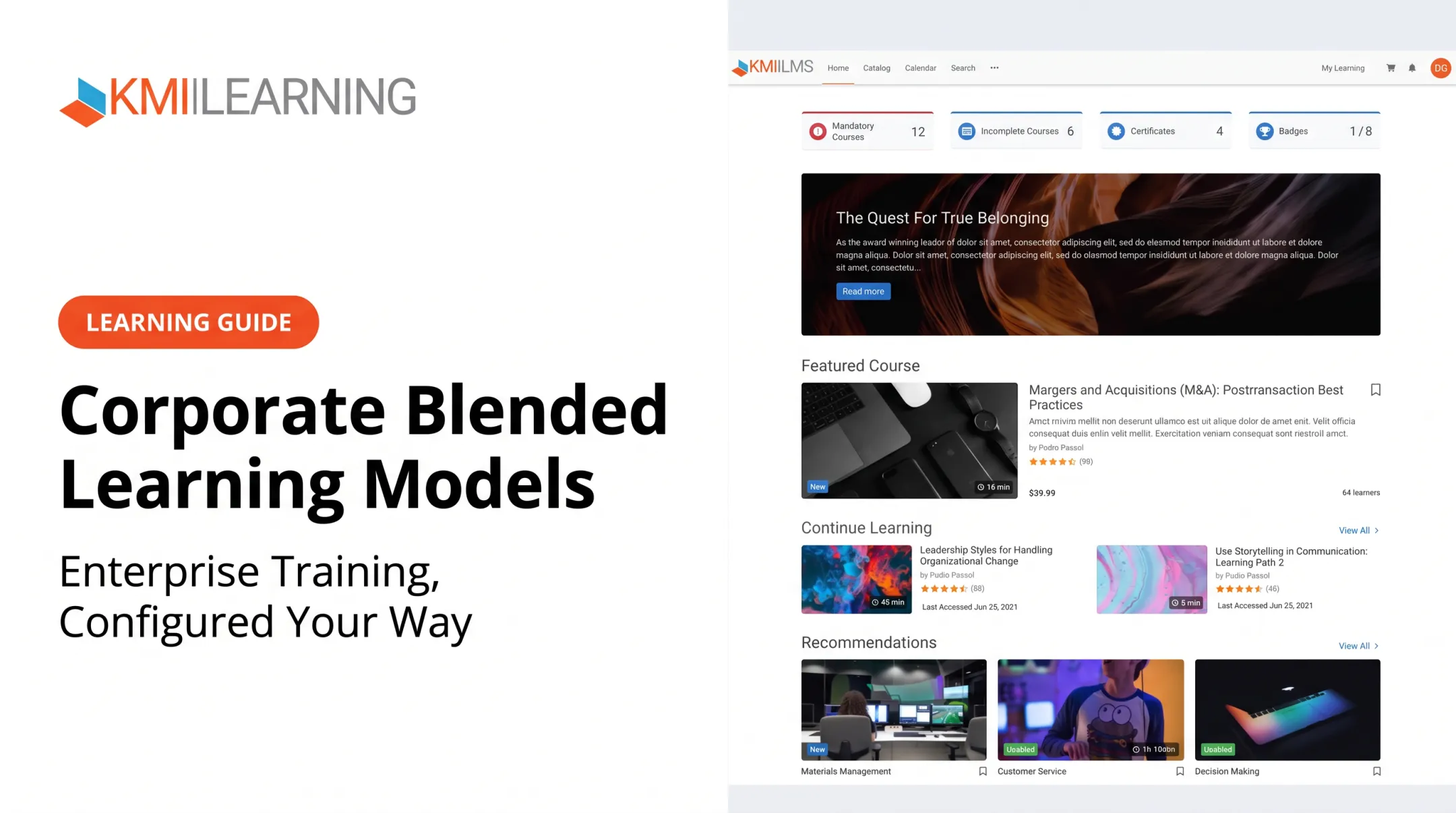
The LMS is the software that organizes, assigns, delivers, tracks, and reports on training. It is not the training itself. Great software can't rescue a weak course, and a great course is wasted if nobody can find it or prove it was completed.
A Sample Learning Journey
Picture a new warehouse hire:
- Completes short onboarding modules, such as a 10-minute safety orientation
- Takes a knowledge check, typically an 8-12 question quiz with a set passing score
- Reviews the work-rules policy reference
- Practices the skill with a manager in a hands-on application activity
- Earns a certificate where appropriate
If the employee fails the quiz, the LMS can email a supervisor so retraining happens quickly.
Benefits of E-Learning for Workplace Training
Scale and Consistency
The same approved content reaches every team and location. Trainers can't teach any two people in exactly the same way; a course can. EPA's training format evaluation found interactivity drives development cost, while e-learning, video, and microlearning scale to larger audiences. Cost comparisons depend on design choices, so treat generic savings claims with caution.
Flexibility
Self-paced access helps people with different shifts, locations, and experience levels. Employees can pause, revisit material, or move quickly through familiar topics. A January 2024 survey found that 54% of working Americans prefer flexible methods (e-learning, hybrid, or blended), while roughly a third still prefer classrooms.
Active Learning
Scenarios, simulations, quizzes, and instant feedback keep learners engaged. Research on adult job training shows that practice and feedback drive effectiveness, not simply putting content online. Retrieval research also finds that repeated testing strengthens learning once recall succeeds.
Easy Updates
Digital content changes faster than printed manuals or repeated classes. That matters for onboarding, policy changes, product updates, safety information, and compliance.
Analytics Beyond Attendance
LMS data shows assignment status, assessment results, engagement, and drop-off points. Pair it with feedback and on-the-job evidence.
At IU Health, evaluation of electronic medical record training showed employees knew what to do, but managers lacked accountability tools. After adding tools and reinforcement, reported compliance rose from 71.5% to 93%. That result came from the whole program, not from the LMS alone.

Designing Effective Workplace E-Learning
Start With a Needs Assessment
Decide whether the problem is a training gap at all. Map the essentials first:
- Target roles and required behaviors
- Prior knowledge and real-world constraints
- Business or compliance outcomes
Sometimes the fix is a better tool or clearer accountability.
Build Focused, Active Modules
- Give each module a clear objective with one action verb
- Break content into manageable segments with realistic examples
- Add knowledge checks of 2-3 questions throughout
- Use job-relevant scenarios with decision points and feedback
Segmenting improves retention and transfer, though it adds learning time. Microlearning isn't right for every subject. Fragmented lessons often weaken retention of complex material. Cut extraneous material instead of adding decoration.
Build Accessibility In From the Start
Plan for:
- Captions and transcripts (WCAG 1.2.1 and 1.2.2)
- Keyboard operation (2.1.1)
- Alternative text (1.1.1)
- Contrast of at least 4.5:1 for ordinary text (1.4.3)
- Readable headings, screen-reader compatibility, and language needs
Distinguish technical and legal scope. Section 508 covers federal agencies and incorporates WCAG 2.0 A/AA. Under the ADA, EEOC guidance requires reasonable accommodation in employer-sponsored training unless undue hardship applies.
Confirm which rules apply to your organization before you build.
Plan Reinforcement and Governance
Put ownership and follow-through in place:
- Assign content owners and set review dates
- Involve subject-matter experts on accuracy
- Give managers concrete follow-up tasks
Supervisor and peer support shape whether employees apply and share what they learned. Use surveys and analytics to fix weak spots.
E-Learning vs. Instructor-Led and Blended Training
Self-paced e-learning, live instruction, and blended programs trade flexibility, interaction, and hands-on practice differently. Use the comparison below to match the format to the skill and the setting.
| Factor | Self-paced e-learning | Live (virtual or classroom) | Blended |
|---|---|---|---|
| Flexibility | High | Low | Medium |
| Social interaction | Limited | High | Medium to high |
| Hands-on practice | Limited | Strong | Strong |
| Consistency and scale | Strong | Varies by instructor | Strong |
Research on outcomes supports matching the method to the task. Sitzmann's meta-analysis of web-based and classroom instruction found equal outcomes for procedural knowledge and satisfaction. Web-based instruction that supplements classroom teaching outperformed classroom-only delivery. Methods mattered more than modality.
Limitations and Mitigations
- Isolation: add discussion groups, cohorts, or live check-ins
- Low motivation: protect work time, add relevance, and involve managers
- Access barriers: offer mobile access and kiosks; Pew reports 16% of US adults are smartphone-dependent for internet
- Limited hands-on practice: schedule supervised application
- Outdated content: set review dates and owners
When to Blend
Choose blended when learners need foundational knowledge plus live practice, coaching, demonstrations, role-play, or discussion. Teach the knowledge online, then practice in person. Let the learning objective choose the method, not organizational habit.
Implementing and Measuring an E-Learning Program
Implementation Sequence
- Define goals and stakeholders
- Audit existing content
- Choose priority audiences
- Confirm technical and accessibility requirements
- Prepare communications
- Pilot with representative learners
- Revise, then expand

What to Evaluate in an LMS
ATD's LMS checklist stresses integration, reporting, mobile access, standards support, and accessibility. Also review:
- Content authoring or import (SCORM, xAPI, cmi5)
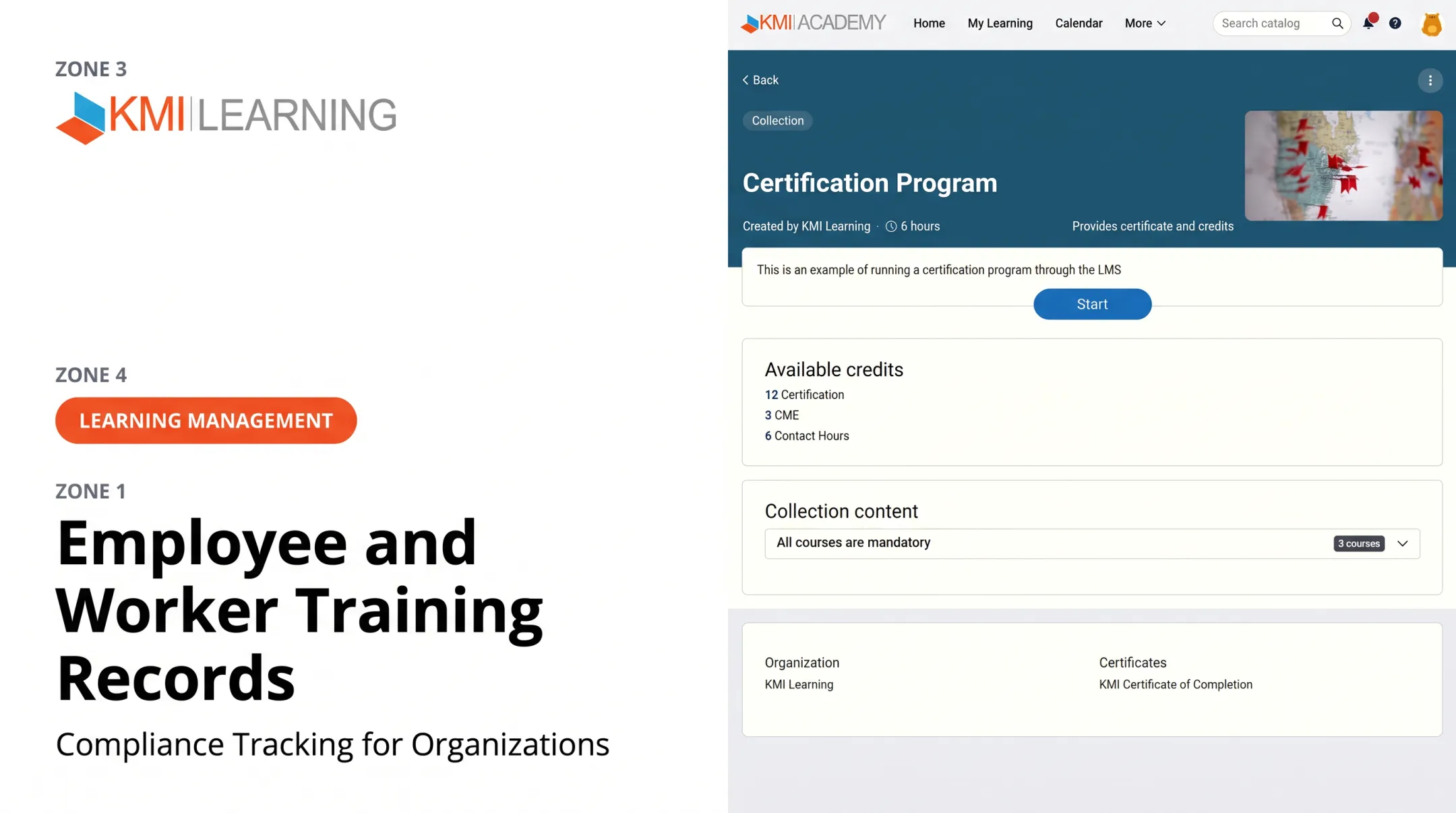
- Learning paths, assessments, and certifications
- Automation, user roles, and branding
- Security controls, support, and content maintenance workflows
SCORM supports reusable content and LMS communication. xAPI records learning experiences. cmi5 adds launch and reporting rules for LMS-based learning.
One Option for Complex Requirements
Organizations with demanding branding, reporting, continuing education, compliance, or security needs may look at a configurable LMS. KMI Learning, based in Columbus, Ohio, offers a white-label, cloud-hosted LMS with REST API, SAML 2.0, and OAuth 2.0 integrations, custom reporting, and CE credit and certificate automation.
Its AI Course Builder converts PDFs, manuals, and slide decks into SCORM-compliant courses. FedRAMP- and TX-RAMP-compliant versions are available for government buyers; ask which variant applies to your deployment.
Measure on Four Levels
- Activity: enrollments, completions, time spent
- Learning: assessment scores, retries
- Application: observed behavior, manager checks
- Business or compliance outcomes: errors, incidents, audit results
The Kirkpatrick model (reaction, learning, behavior, results) shows that completion alone doesn't cover all four. Phillips adds ROI, which requires isolating program effects. Skip invented targets; use case studies and your own baseline.
Rollout Guidance
- Explain why the training matters
- Protect time for completion
- Brief managers on follow-up
- Offer technical help
- Review early learner feedback
- Refresh content on a set schedule
- Feed results into the next cycle
Frequently Asked Questions
What is the difference between LMS and TMS?
An LMS delivers, tracks, and manages learning. A training management system coordinates logistics such as instructors, venues, schedules, and registrations. Some platforms overlap both.
What is the 70-20-10 rule for employee development?
The Center for Creative Leadership describes it as 70% challenging experiences, 20% developmental relationships, and 10% formal coursework. It is a guideline, not a formula, and critics question its evidence.
What are the four types of training?
Common categories are onboarding, compliance and safety, technical or job-specific skills, and soft skills or leadership. Organizations classify them differently.
Can you give me an example of e-learning?
An interactive compliance course with short lessons, scenario questions, feedback, a final assessment, and LMS completion tracking.
What are the 7 basic computer skills?
No authoritative list sets exactly seven. Typical foundations include operating a device, managing files, email, web browsing, documents, spreadsheets, and cybersecurity awareness. Employees need them to complete online training independently.