An LMS integration fixes this by connecting your learning management system to the HR, CRM, identity, content, event, payment, and analytics tools you already use. This article covers integration types, benefits, implementation steps, security, and how to evaluate vendors.
Key Takeaways
- An LMS integration automates the movement of users, enrollments, and completion records between systems.
- The highest-value connections involve HR, CRM, identity, content, events, payments, and reporting.
- Native connectors are easiest to configure; APIs, webhooks, and middleware handle specialized workflows.
- Success depends on data ownership, security, testing, and monitoring.
What Is an LMS Integration?
An LMS integration is the working connection between your LMS and another system. An API is one technical method for building it. Other methods include scheduled CSV feeds, webhooks, and prebuilt connectors.
Absorb's documentation draws the same line: the API transfers data, while the integration is the workflow it supports.
Data that commonly moves between systems:
- Learner profiles and organizational details
- Enrollment status and course activity
- Assessment results and completion records
- Certificates and continuing education (CE) credits
Integration serves internal employee training and external audiences alike: members, customers, partners, volunteers, and paying learners.
Common LMS Integration Types and Use Cases
HRIS, HCM, and Workforce Management
Connecting an LMS to an HRIS or HCM synchronizes profiles, departments, roles, and employment status. That powers automated onboarding, role-based enrollment, mandatory training assignments, and offboarding. KMI Learning's HR integration, for example, adds employee names when people are hired and archives them when they leave.
Decide before implementation which system is the source of truth for each field. HR usually owns job title, department, manager, and status. The LMS owns enrollments and completions. Without this map, two systems overwrite each other and records drift.
CRM and External Learner Integrations
CRM integration supports customer education, partner enablement, member education, and training businesses. A sample workflow:
- A customer buys a product or upgrades an account in the CRM.
- The integration enrolls that contact in the matching onboarding course.
- Completion and assessment results return to the CRM.
- Customer success sees who finished and who stalled.
Salesforce and HubSpot can exchange completion data with KMI's LMS through Zapier. KMI's RESTful APIs also support HR, CRM, and association management system (AMS) data exchange.
Identity, SSO, and Access Management
Single sign-on (SSO) removes repeated logins and centralizes access control. Common protocols include SAML 2.0, OAuth 2.0, and OpenID Connect. SAML handles authentication across domains. OAuth handles delegated authorization. OpenID Connect adds an identity layer on top of OAuth. KMI's LMS supports SSO through SAML 2.0 or OAuth 2.0.
Plan provisioning as carefully as login. Access should be created when someone joins, adjusted when they change roles, and removed when they leave. SCIM is a standard built for managing those identity lifecycles.
Content, Authoring, and Standards
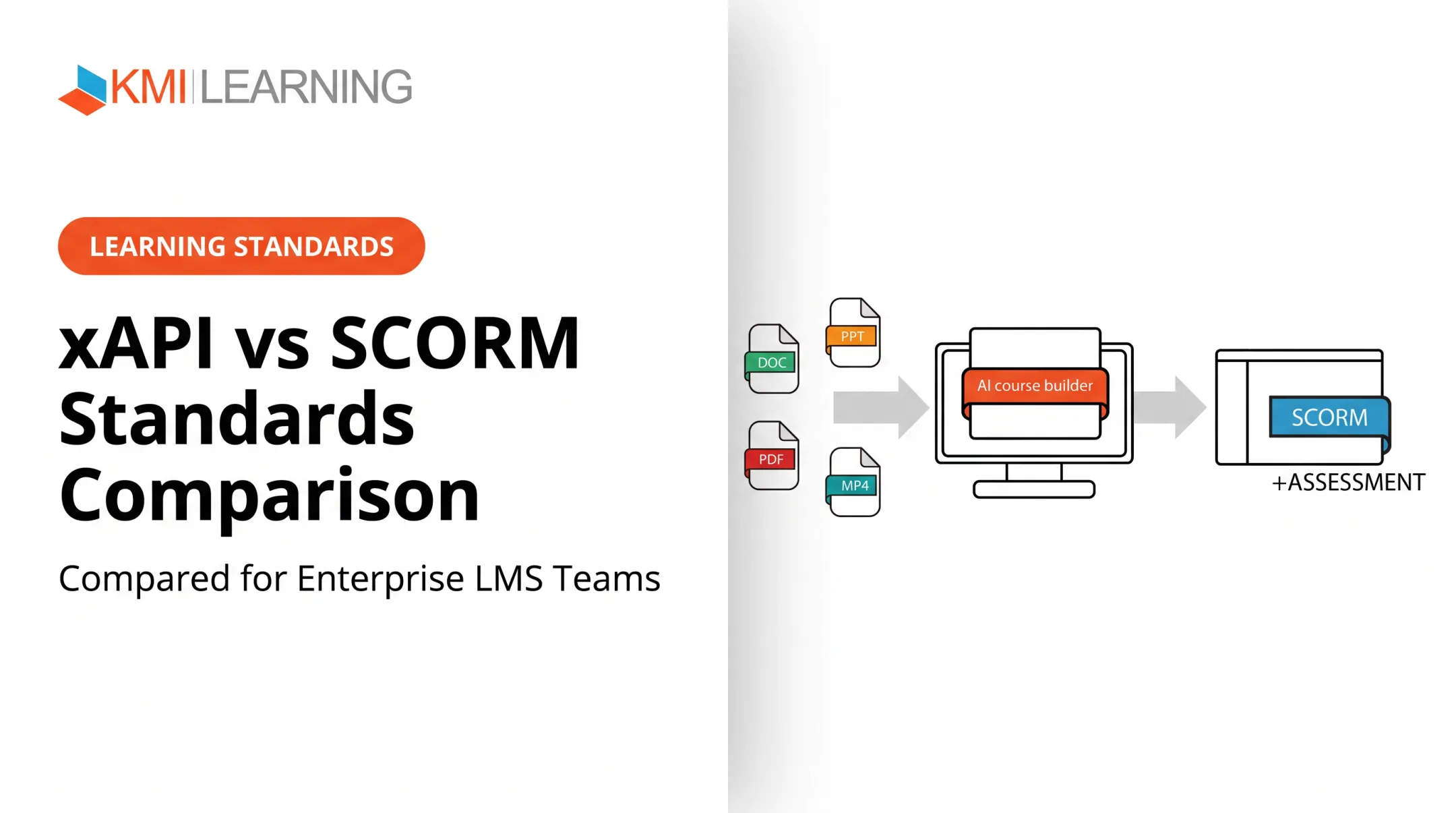
Standards keep content portable. SCORM, created in 2000, defines how courses communicate with an LMS. xAPI captures learner activity from many sources, and LTI links outside tools into the LMS.
KMI supports SCORM 1.2, SCORM 2004, and xAPI. Its AI Course Builder converts PDFs, manuals, and slide decks into courses. Light integrations with Google Drive and Office 365 simplify content publishing.
Communication, Events, Payments, and Analytics
- Virtual sessions: Zoom, Google Meet, WebEx, GoToMeeting, and MS Teams can handle scheduling and attendance.
- Payments: Course transactions can post to a Stripe merchant account or other gateways.
- Analytics: BI tools such as Power BI consume live learning data for dashboards.
- Events: QR-code registration and attendance tracking feed credits and certificates.
Conference training shows why connections matter. An attendee registers, scans in, attends sessions, earns CE credits, and receives a certificate. That single path can touch registration, payment, attendance, transcript, and reporting systems. KMI's conference module automates exactly this, from session enrollment to credit assignment.

Benefits of Connecting an LMS
Less Administrative Work
Automated sync cuts manual uploads, spreadsheet reconciliation, and repeated enrollment tasks. KMI's secure web services for AMS, event registration, and content tools reduce data entry and errors.
A Docebo case study on PowerDMS reports 5,420+ training hours saved and a 30% drop in customer onboarding time. These are vendor-published results tied to the whole LMS launch, not the integration alone.
The same case notes a prior Salesforce sync throttled at 500 records per 30 minutes, a reminder that integration limits are real.
A Smoother Experience
SSO, embedded learning, and familiar communication tools mean fewer platform switches. That matters for audiences who only touch training occasionally, such as volunteers, conference attendees, and partners.
Better Reporting
Connected systems let you combine learning activity with workforce, customer, or event data. Useful reports include:
- Completion status and certification validity
- CE credits and attendance
- Assessment outcomes and enrollment sources
Data only helps when definitions match. If "completed" means passed in one system and viewed in another, dashboards mislead. Consistent definitions and accurate field mapping come first.
KMI's API framework supports near-real-time Power BI reporting, and its report builder handles scheduled and custom reports.
Personalization and Automation
Role, department, membership type, customer status, or event participation can trigger learning paths. This works only with clear rules, appropriate permissions, and reliable data. Connecting two systems does not personalize anything on its own.
Compliance and Scale
- Required training assignments
- Renewal reminders
- Audit trails
- Completion evidence
OSHA's construction confined-space rule, 29 CFR 1926.1207, requires training records with employee names, trainer names, and dates. Automation makes that kind of rule-specific record keeping easier.
Scale is the other payoff. Getinge's certificate output grew from 14,231 in 2016 to 36,697 in 2023 on KMI's platform, a 2.58× increase. Automation keeps that growth from multiplying manual work.

How to Plan and Implement LMS Integrations
Define the Objective and Priorities
Start with the workflow problem, not the connector. Is the goal automated onboarding, external enrollment, conference management, CE tracking, or compliance reporting? Then:
- Rank systems by business impact, user volume, data sensitivity, and the cost of staying manual.
- Name stakeholders: L&D, HR, IT, security, compliance, finance, event and membership teams.
Map Systems, Data Ownership, and Rules
List every system and assign a source of truth for users, courses, enrollments, payments, attendance, completions, certificates, and credits. Then define:
- Field names, identifiers, and required values
- Data direction and sync frequency
- Duplicate-record rules
- Error handling for incomplete or conflicting data
Test the map against a real scenario, such as a conference attendee who receives post-event coursework and earns CE credits.
Choose the Integration Method
| Method | Best for | Trade-off |
|---|---|---|
| Native connector | Common systems like Salesforce or Workday | Limited to what the vendor built |
| API | Custom logic, proprietary systems | Needs developer time |
| Webhook | Event-triggered actions | One-way notifications |
| Middleware/iPaaS (Zapier) | No-code workflows | Another tool to maintain |
| Scheduled file feed | Simple, batch updates | Delayed data |
| Custom development | Complex rules, specialized reporting | Highest effort and upkeep |
A prebuilt connector often suffices. Move to APIs or custom work when rules are complex or systems are proprietary. KMI Learning's standard APIs cannot always meet every need, and the team has built custom integrations for dozens of clients.

During evaluation, require technical documentation, authentication options, rate limits, data models, error logs, and written support commitments.
Build, Test, and Validate
Use a sandbox with representative records. Include test cases for:
- New users and role changes
- Duplicate records and incomplete fields
- Failed payments and course withdrawals
- Expired certifications and missed attendance
- Temporary outages
Get validation from three groups:
- IT and security check protection and reliability
- Administrators verify workflows and reports
- Learners test login and course access

Launch, Monitor, and Improve
Assign an owner to each integration. Watch for sync failures, authentication errors, delayed records, wrong assignments, and API changes.
Document escalation paths and backups, and review quarterly whether the integration still serves its goal. Track these signals:
- Failed transactions
- Manual interventions
- Processing time
- Record accuracy
- Support requests
- Report reliability
Security, Vendor Evaluation, and Next Steps
Security and Compliance Considerations
Every integration adds systems and access points. Evaluate authentication, authorization, encryption, least-privilege access, audit logging, retention, and incident response. NIST defines least privilege as limiting access to the minimum needed for assigned tasks.
For US public-sector and regulated buyers, verify rather than assume. Check the vendor's security documentation, controls, hosting requirements, and subcontractor practices.
FedRAMP does not grant agency approval by itself. Agencies make their own authorization decisions, and the authorization boundary defines what is covered. Frameworks like GovRAMP, TX-RAMP, NIST SP 800-171, and CMMC each apply to specific contexts.

KMI Learning offers a FedRAMP-authorized LMS implementation for federal clients and supports NIST 800-53, NIST 800-171, GovRAMP, CMMC, and TX-RAMP frameworks. Not every deployment is FedRAMP-authorized, so confirm scope for your project.
Evaluating an LMS for Integration Readiness
Judge the depth and reliability of the integrations you need, not the count on a marketplace page. Use this checklist:
- APIs, webhooks, and data export
- SSO and standards support (SCORM, xAPI)
- Custom reporting
- Sandbox access and documentation
- Implementation help and support ownership
- Upgrade management and total cost of ownership
If you serve external learners, also assess white-label branding, self-registration, payments, certificates, CE credits, multiple audiences, and organization-level reporting.
Next Steps
- Inventory your current systems.
- Identify the highest-friction workflows.
- Document desired data flows.
- Involve technical and business stakeholders before requesting proposals.
KMI Learning works with organizations that need a configurable, integrated LMS for conferences, continuing education, compliance training, or branded portals. If that fits, start with an integration discussion about your systems and workflows.
Frequently Asked Questions
What is LMS in software?
A learning management system is software for delivering, administering, tracking, and reporting on education or training. It manages courses, learners, progress, and records.
What is the most commonly used LMS?
No single LMS fits every organization. The right choice depends on audience, scale, integrations, security, reporting, content, and delivery needs.
What is AI-based LMS?
An AI-based LMS uses artificial intelligence for tasks like content creation, recommendations, search, learner support, or skills analysis. Data governance and human oversight still matter.
How does an LMS integrate with an HRIS?
The systems synchronize user and organizational data, which automates provisioning, enrollment, training assignments, completion records, and compliance reporting. Exact fields depend on configuration.
What should you look for when choosing an LMS integration?
Look for native connectors, APIs, SSO, clear data ownership, security controls, testing tools, reporting, documentation, implementation support, and ongoing maintenance.