Introduction
Training happened. Everyone remembers the session. Then an auditor, customer, or insurer asks who attended, what they learned, whether it's still current, and whether that person is qualified for a specific task.
The evidence lives in three spreadsheets and a binder.
HR, learning and development, safety, compliance, operations, supervisors, and training administrators all depend on these records. Each needs a different answer from the same data.
OSHA's Fall Protection Training standard ranks 8th on its preliminary FY2026 most-cited list, a reminder that training expectations are actively enforced. This article covers what training records are, what a complete one contains, US retention considerations, recordkeeping workflows, and system options.
Key Takeaways
- A record ties one worker to specific instruction, a date, a trainer, and proof of completion or competency.
- Attendance alone may not prove understanding; add assessments, demonstrations, or supervisor verification.
- No single US format or retention period exists. Requirements vary by standard, record type, and jurisdiction.
- Centralized, role-based, secure records with owners, renewal reminders, and searchable reports reduce risk.
What Are Employee and Worker Training Records?
What training records document
A training record is documentation of the instruction, qualification, assessment, or competency activity tied to one person. NIST's internal safety training policy, for example, describes evidence of completion through the subject, individual's name, completion date, and certifier where applicable. That is one example, not a universal legal definition.
A training record is not the same as:
- Course content (the slides or module itself)
- An attendance roster (a group list, not an individual record)
- A personnel file, which covers broader employment history
- An incident record or OSHA injury log
- A confidential medical record, which follows separate rules
Types of records organizations may maintain
- Attendance and completion records
- Quiz and assessment results
- Practical skills evaluations and supervisor observations
- Certificates and licenses
- Refresher and retraining entries
- Mentoring notes
- Continuing education credit records
Employees, contractors, volunteers, and other workers
Not everyone you train is on your payroll. Responsibilities differ by group:
- Temporary workers: OSHA and NIOSH guidance generally assigns general training to staffing agencies and workplace- and hazard-specific training to host employers, who should report completions back to the agency.
- Contractors: Each employer instructs its own employees. Track contractor training only where your site obligations or contracts require it.
- Volunteers: Federal OSHA coverage depends on an employment relationship, assessed case by case, and some state plans treat volunteers as employees.
Apply role-based access to each group. A site supervisor may need to see a contractor's forklift certification, but not their personal details.
Why Employee and Worker Training Records Matter
Evidence for compliance and audits
Records show required training was assigned, delivered, and documented. Check current OSHA, state, industry, contractual, and client requirements for your situation. There is no one US format and no universal retention period.
Safer decisions about work assignments
Current, searchable records let a supervisor confirm that a worker completed the training or evaluation that a task, machine, or hazard requires. Take forklifts: OSHA requires operator evaluation, not just a class.
A record supports a qualification decision. It doesn't prove real-world competence. OSHA's 2010 interpretation says inspectors look beyond basic paper documentation to whether workers understood the training. Pair records with observation, practical evaluation, and worker conversations.
Audit, incident, and continuity readiness
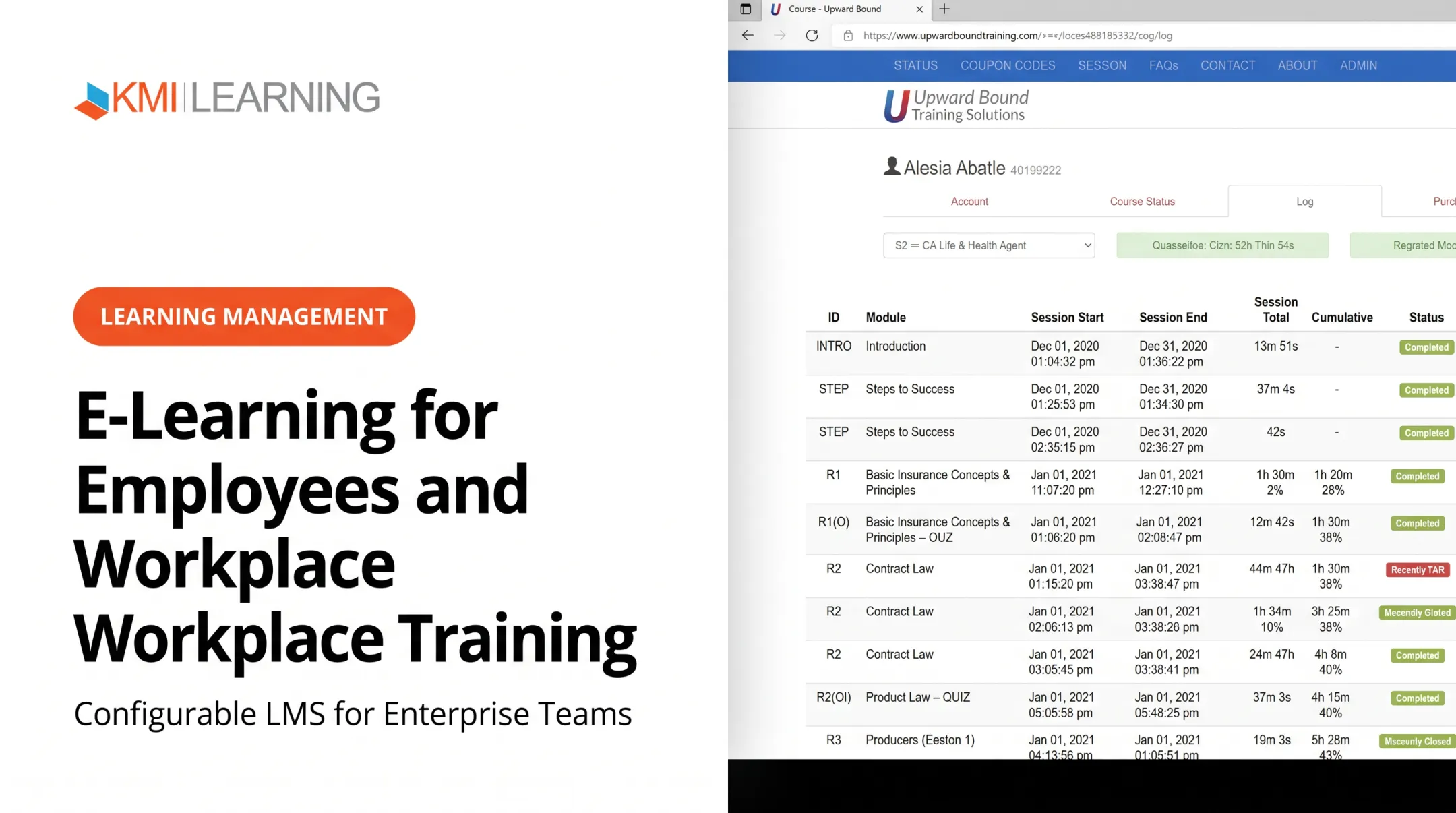
When a regulator, customer, or manager asks for evidence, searching paper files, spreadsheets, and email attachments burns time. Outdated, duplicated, or inaccessible records cause the most damage during turnover, role changes, multi-site operations, and incidents.
Effectiveness and improvement
Documenting that training occurred is different from showing it changed anything. OSHA's training guidance suggests tests, demonstrations, and supervisor observations before and after training. Quiz results, follow-up observations, near-miss reports, and incident trends show whether training was understood and applied.
Workforce planning
Records also support:
- Onboarding and succession planning
- Internal mobility decisions
- Certification renewals and continuing education credits
- Development conversations
They reveal where the next training gap will appear.
What to Include in a Complete Training Record
Fields differ by standard. Use these examples as reminders to check your own requirements:
- Powered industrial truck certification: operator name, training date, evaluation date, and trainer
- Bloodborne pathogens: dates, content summary, trainer names and qualifications, attendee names and job titles
- Fall protection: worker identity, dates, and a trainer or employer signature
Worker identity and work context
- Name, plus employee or learner ID where appropriate
- Job title, department, worksite, and employment status
- Role-specific responsibilities
Collect only what you need for administration, reporting, compliance, or qualification decisions, and restrict access accordingly.
Training activity details
- Course or activity title, objectives, and topics
- Related hazard, equipment, process, policy, or regulation
- Course version, delivery method, date, duration, location, and language
Attach the agenda, lesson outline, or course version. A title alone says little about what was actually covered.
Trainer, provider, and attendance verification
Record the instructor or provider, their organization, qualifications where relevant, and attendance confirmation. That may be a signature or electronic attestation, plus supervisor or assessor approval if required. Online, classroom, virtual, and hands-on formats need different proof of participation.
A trainee signature is not a general OSHA requirement, so the applicable standard controls. OSHA has also accepted electronic signature pads when the signature is stored each time it is used.
Completion, assessment, and competency evidence
- Completion status and quiz or test scores
- Practical demonstration results and skills checklists
- Evaluator comments and supervisor sign-off
- Certificate or license details
The record should show clearly whether the worker attended, passed an assessment, demonstrated a skill, or met a defined role qualification.
Expiration, refresher, and supporting information
- Issue, expiration, and refresher dates
- Remediation or retraining activity
- Links to later evaluations
- Audit timestamps, record owner, source documents, and version history
Keep confidential medical and personnel information in separate systems.
How to Organize and Manage Training Records
Build a role-based training matrix
Map each job, worker category, or site to required training, assessments, renewal intervals, owners, and the source of each requirement. North Carolina DOT's safety training procedure, for example, uses a matrix linking course, OSHA standard, frequency, and affected employees.
A matrix exposes missing assignments, expired qualifications, duplicate courses, and new requirements triggered by transfers, promotions, or equipment changes.
Standardize the workflow
- Identify the requirement from regulations, policies, or the role matrix
- Assign and register the training to the affected workers
- Record attendance and assessment results as soon as training ends
- Approve and store the certificate in the system of record
- Send renewal reminders before qualifications lapse
- Retrain when needed and review the final record for completeness

Assign clear owners: HR, training administrators, supervisors, safety teams, instructors, and workers each update specific fields promptly.
Centralize and secure
Use one searchable source of truth, queryable by worker, role, course, site, status, expiration, or provider. Add permission controls, backups, encryption, audit trails, version control, and reliable exports. Corrections should preserve the original history. NIST SP 800-53 supports least privilege and protection of audit information from unauthorized changes.
Monitor and act
Dashboards, exception reports, and escalation workflows catch overdue training, approaching expirations, failed assessments, and workers assigned tasks without current evidence. Supervisors should check records before safety-sensitive work and after incidents, near misses, or job, equipment, or process changes.
Establish retention and disposal rules
Build a schedule by record category: governing requirement, retention period, owner, storage, access rules, legal hold process, and approved disposal. Verify against official sources and qualified legal or compliance advice. Examples show how widely retention periods vary:
| Record | Period |
|---|---|
| Bloodborne pathogens training | 3 years from training date |
| Fall protection certification | Latest certification |
| California IIPP training | Generally 1 year, with exceptions |
| FMCSA ELDT provider records | 3 years |

Injury logs, personnel records, and medical records follow their own rules. They are not default training retention periods.
Audit and improve
Test periodically whether records can be retrieved quickly, contain required fields, match current roles, and reflect true completion status. Fix gaps through documented remediation, retraining, or workflow changes. Never backdate or create unsupported evidence. OSH Act section 17(g) carries criminal penalties for knowingly false statements in required documents.
How to Choose a Training Records System and Implement It
Check whether current tools still fit
Spreadsheets and shared drives work for a small, simple program. They struggle when you add sites, providers, external learners, recurring qualifications, or tighter access needs. Measure your current tools against worker count, locations, courses, certificates, renewals, reporting, and permissions.
Compare essential capabilities
- Role-based assignments and configurable fields
- Searchable learner profiles
- Assessments, practical evaluations, and certificate storage
- Automated expiration alerts, dashboards, and custom reports
- Audit trails, permissions, integrations, and data export
- Accessibility and standards support such as SCORM and xAPI
Ask vendors about implementation support, data migration, administrator training, security practices, and whether workflows can change without losing history. Interoperability, accessibility, and government cloud authorization (FedRAMP, TX-RAMP) are separate questions, so verify each one against your needs.
Plan a controlled rollout
- Start with one high-priority group or training category to keep the pilot manageable
- Cleanse existing data so duplicates and gaps do not carry forward
- Define ownership and retention rules before anything is imported
- Import verified records only after the pilot structure is set
- Test reports and alerts against real renewal and audit scenarios
- Expand once the workflow holds up under day-to-day use

This staged approach aligns with ATD's migration guidance, which recommends auditing completion and certification data and piloting with representative learners, administrators, and managers.
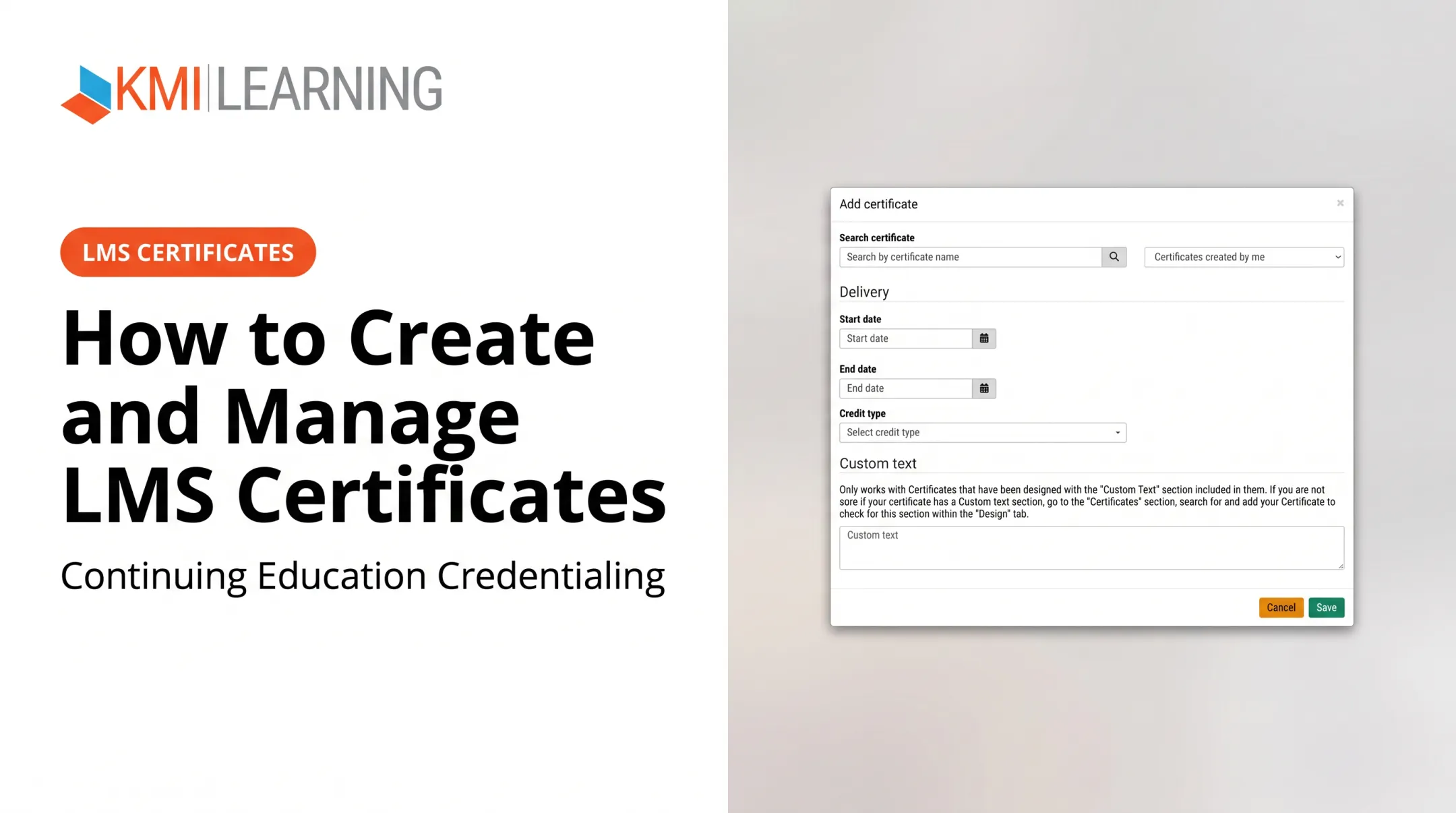
KMI Learning is one example of a configurable LMS partner. It supports compliance training, continuing education and certificate workflows, role-based access, renewal reminders, custom reporting, and legacy record migration. FedRAMP- and TX-RAMP-compliant versions are available. Evaluate any vendor against your own requirements, since no platform makes you compliant automatically.
Frequently Asked Questions
What are employee and worker training records?
They document that a person was assigned training, completed it, was assessed on it, or demonstrated competency. They differ from course materials and general personnel records.
What should be included in a training record?
Worker identity, course or hazard, date, trainer, delivery method, and completion or assessment evidence. Add certification details and expiration or refresher dates where they apply.
How long should employee training records be kept?
It depends on federal, state, industry, contractual, and organizational requirements. Verify against current official sources for each record type.
Are electronic training records acceptable?
Often, yes, if they are accurate, secure, accessible, searchable, and protected from unauthorized changes. Check any signature or format requirements in the applicable standard.
Do training records prove that an employee is competent?
Not by themselves. Attendance shows participation; competence needs assessments, skills checks, observations, or supervisor verification.
What is the best way to manage employee training records?
Use a centralized, role-based system with standard fields, defined owners, automated reminders, secure access, and retention rules. Audit data quality and retrieval regularly.